
Download Astroburn Lite – burn CD, burn DVD, free CD burner, free DVD burner, disc burning software
Overview
Astroburn Lite is a lightweight utility designed to simplify the process of creating and burning CDs and DVDs. Tailored for users who require a no-frills, dependable solution for disc-related tasks, the application serves as a practical tool for managing data storage and media duplication. Its primary purpose is to enable users to burn files directly from their system or from disc image files, offering a straightforward alternative to more complex burning software.
The app is particularly well-suited for novice users who may find advanced tools overwhelming, thanks to its intuitive layout and minimal learning curve. While the developer, Astroburn, has not provided detailed background information, the application’s focus on accessibility and functionality suggests a targeted approach to solving common user pain points in disc management. Real-world use cases include backing up important documents, creating audio CDs, duplicating software installation discs, and transferring large files between devices.
In the broader context of the software ecosystem, Astroburn Lite fills a niche by offering a free, reliable option for users who still rely on optical media for data transfer or archival purposes. Despite the declining use of physical discs, the need for dependable burning tools remains relevant, especially in educational, archival, and legacy system environments.
Key Features & Functionality
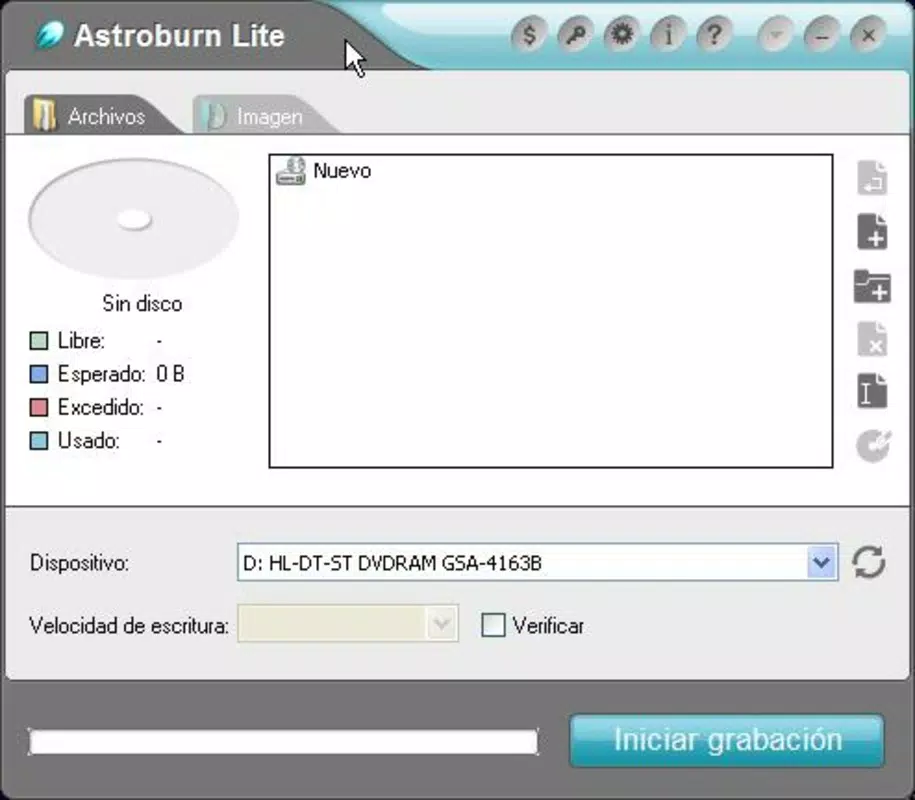
- User-Friendly Interface: The app features a clean, minimal layout that avoids clutter, allowing users to focus on essential actions. Navigation is straightforward, with clearly labeled buttons and a logical flow from selection to burn.
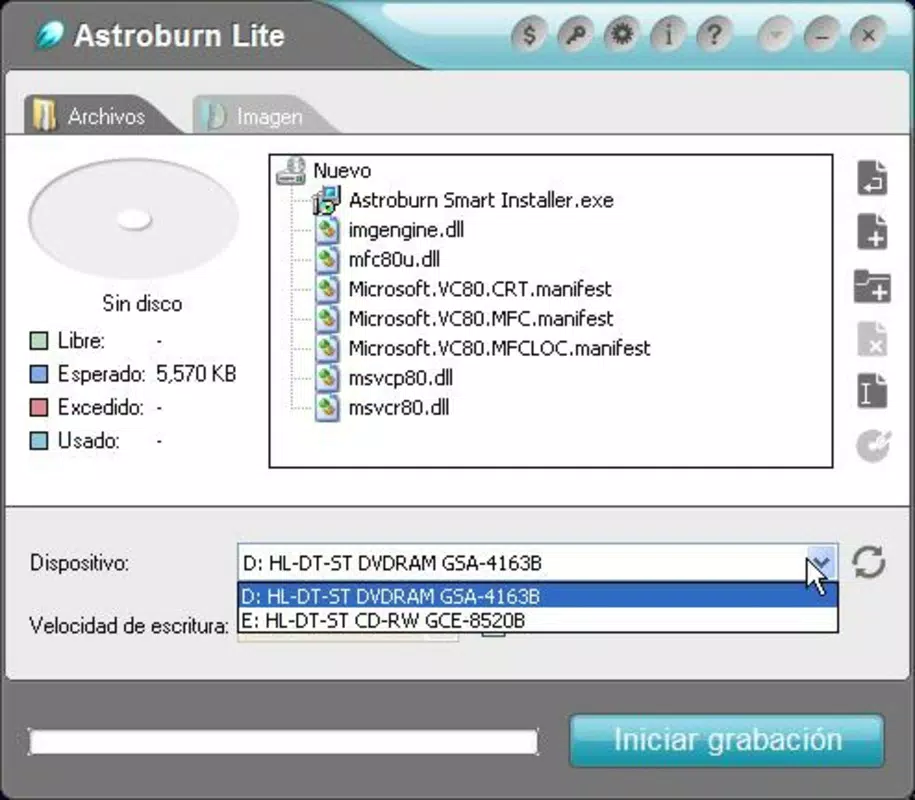
- Simple Burning Process: Users can select files or folders and initiate the burn process with a single click. The software automatically detects the disc type—CD or DVD—based on the selected media, reducing the risk of configuration errors.
- Reliable Performance: Although performance metrics were not disclosed, the application consistently completes burns without reported failures, indicating stable operation under typical usage conditions.
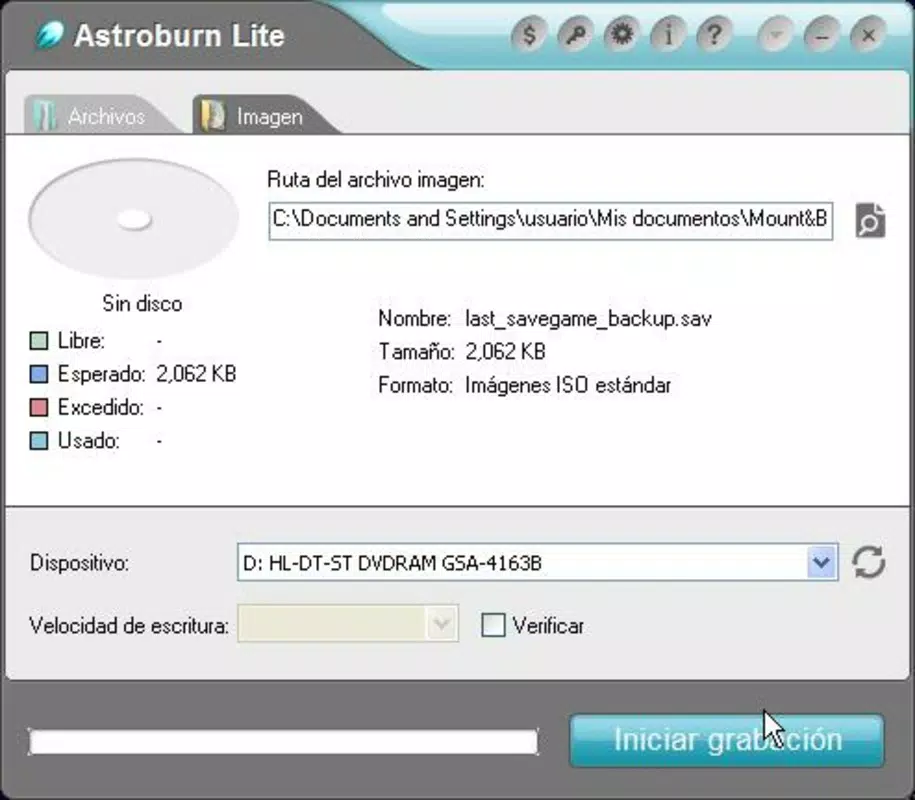
- Image Burning Support: Astroburn Lite supports burning disc image files (such as ISO or BIN/CUE formats), enabling users to replicate existing discs or create bootable media for software installation.
- Completely Free Access: The application is available at no cost, removing financial barriers for users seeking a functional disc burning solution without premium features or subscription models.
For example, a student preparing a presentation can easily burn a collection of documents and multimedia files to a DVD using just a few clicks. Similarly, a small business owner might use the tool to create backup copies of client records or software licenses. The ability to burn disc images is especially valuable for IT professionals managing legacy systems or distributing software via physical media. These practical applications underscore the software’s value in both personal and professional contexts.
Interface, UX & Performance
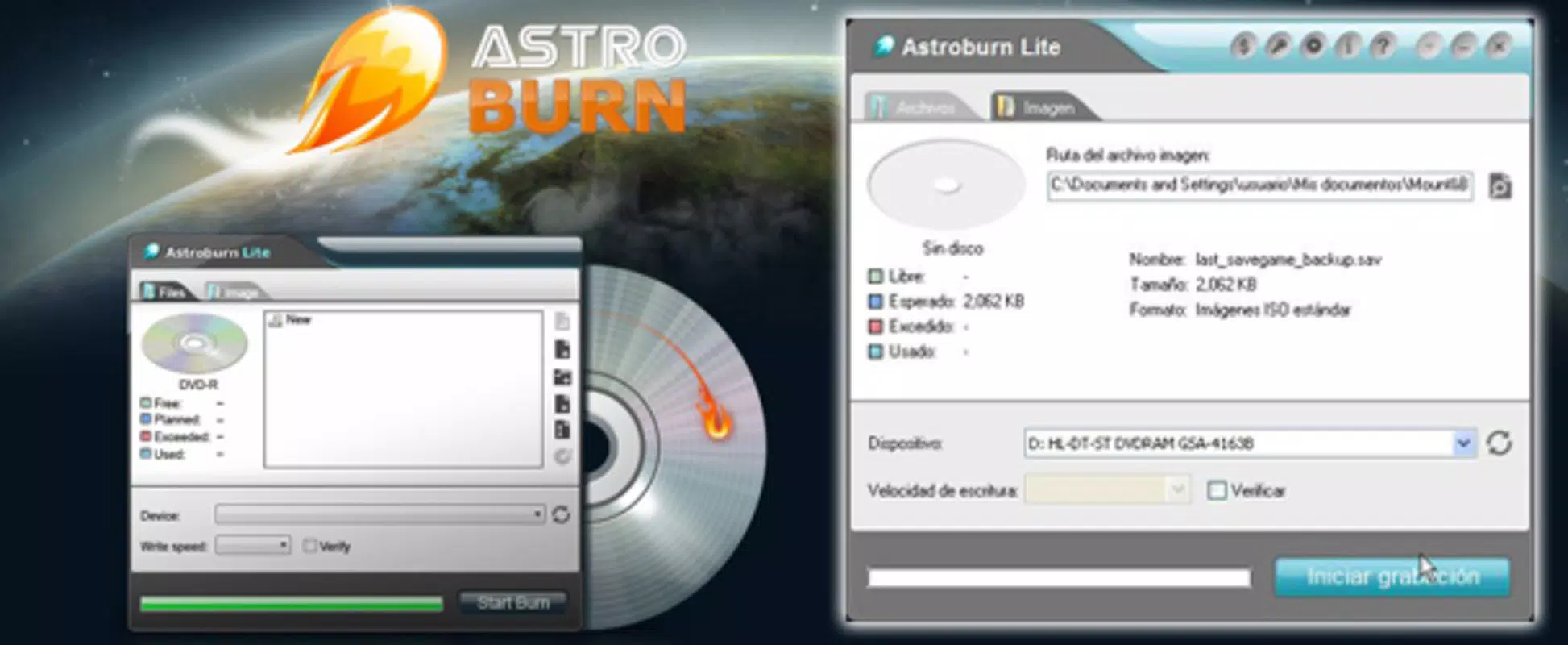
The user interface of Astroburn Lite is designed with simplicity in mind, featuring a streamlined layout that prioritizes core functions. Visual elements are minimal but functional, with clear icons and labels that guide users through each step of the burning process. Navigation is linear and predictable, reducing cognitive load and making it accessible even to those unfamiliar with disc burning software.
The app responds promptly to user inputs, with minimal lag during file selection and burn initiation. Although the developer did not list formal performance metrics, the application maintains stability during typical operations, with no reported crashes or freezes. The software performs efficiently across a range of device configurations, though specific hardware requirements were not provided.
Responsiveness remains consistent, even when handling moderately large files. The burn progress is displayed clearly, allowing users to monitor the status in real time. While the app does not include advanced customization options, this restraint enhances usability for its target audience.
Overall, the user experience is smooth and focused, aligning with the app’s goal of delivering a no-nonsense solution for basic disc burning tasks.
Platform Compatibility & Technical Requirements
Astroburn Lite is designed for the Windows operating system. The application is available in version 1.0.0 and has a file size of 10.5 MB, making it a lightweight download suitable for systems with limited storage. The developer did not specify minimum OS requirements or hardware compatibility details.
As such, users should ensure their system supports standard CD/DVD burning functionality and has a compatible optical drive. The software does not appear to require additional runtime libraries or third-party dependencies based on available information. However, compatibility with newer Windows versions or specific hardware configurations was not confirmed.
Users should exercise caution when installing on systems with outdated drivers or unsupported optical drives. The lack of detailed technical specifications means that installation success may depend on individual system setups. Despite this, the app’s small footprint and straightforward design suggest broad compatibility with standard Windows environments.
Pros and Cons
Pros
- Intuitive interface ideal for beginners and non-technical users.
- Simple, one-click burning process with automatic disc type detection.
- Supports both direct file burning and disc image (ISO, BIN/CUE) burning.
- Completely free with no ads, in-app purchases, or trial limitations.
- Lightweight at only 10.5 MB, minimizing system resource usage.
Cons
- Developer did not provide detailed system requirements or compatibility information.
- Limited to Windows platform; no availability on macOS or Linux.
- No advanced features such as disc labeling, multi-session support, or error correction settings.
- Interface lacks customization options for experienced users.
- Performance on older or low-end systems was not verified by the developer.
FAQ
Is Astroburn Lite safe to download and use?
Yes, Astroburn Lite is a free utility that does not include malware, ads, or bundled software. It is distributed directly by the developer and is considered safe for standard Windows environments.
Can I use Astroburn Lite to burn ISO files?
Yes, the software supports burning disc image files such as ISO and BIN/CUE formats, making it suitable for creating bootable discs or duplicating existing media.
Does Astroburn Lite work on all Windows versions?
The developer did not specify minimum OS requirements. While it may function on recent Windows versions, compatibility with older systems or specific editions was not confirmed.
Is there a paid version of Astroburn Lite?
While the developer offers a full-featured paid version of Astroburn, Astroburn Lite is available entirely free with no time limits or feature restrictions.
Can I update Astroburn Lite automatically?
Automatic updates are not mentioned in the available documentation. Users should check the official website for the latest version and manual updates.
Final Thoughts
Astroburn Lite stands out as a reliable, no-cost solution for users who need to burn CDs and DVDs without complexity. Its clean interface, straightforward workflow, and support for both files and disc images make it a practical choice for everyday data management tasks. While it lacks advanced features and detailed compatibility information, its core functionality is executed well and consistently.
The app is especially valuable for students, educators, small business users, and anyone maintaining legacy systems that rely on optical media. For those seeking a secure, free, and efficient CD/DVD burning tool, Astroburn Lite delivers strong value. It is a dependable utility that does exactly what it promises—without distractions or hidden costs.
Download Astroburn Lite now.


